Narrated document
reading.
Create narrated study video with an adaptive reader that brings pages and narration together. Listen when your hands are busy; look back at the page when a figure or detail needs your attention.
Avelira is a versatile PDF and PowerPoint reader with audiovisual narration, knowledge-retention questions, and mind maps for content overview and review. The Mac processes and organizes your material; the iPhone supports portable reading, listening, and review.
In development for Mac and iPhone. Certain AI-powered features require your own OpenAI API key.
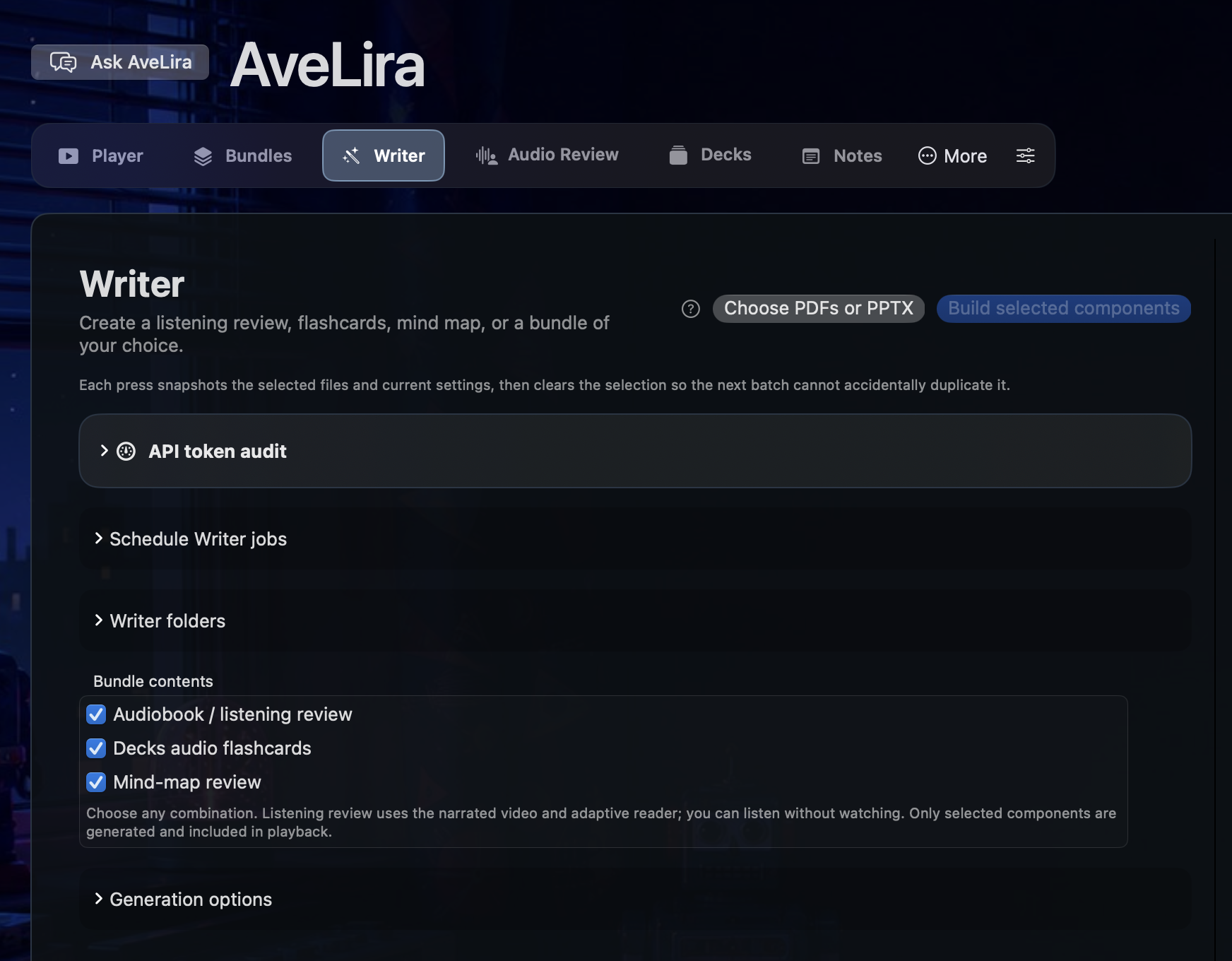
Choose a PDF or PowerPoint in Writer. Build a listening review, a set of audio flashcards, a mind map—or a combination of all three. Generate the components you want for that material.
Create narrated study video with an adaptive reader that brings pages and narration together. Listen when your hands are busy; look back at the page when a figure or detail needs your attention.
Create flashcards from your source material, with an option for documents containing multiple-choice questions. Use questions and answers to revisit what you’ve studied.
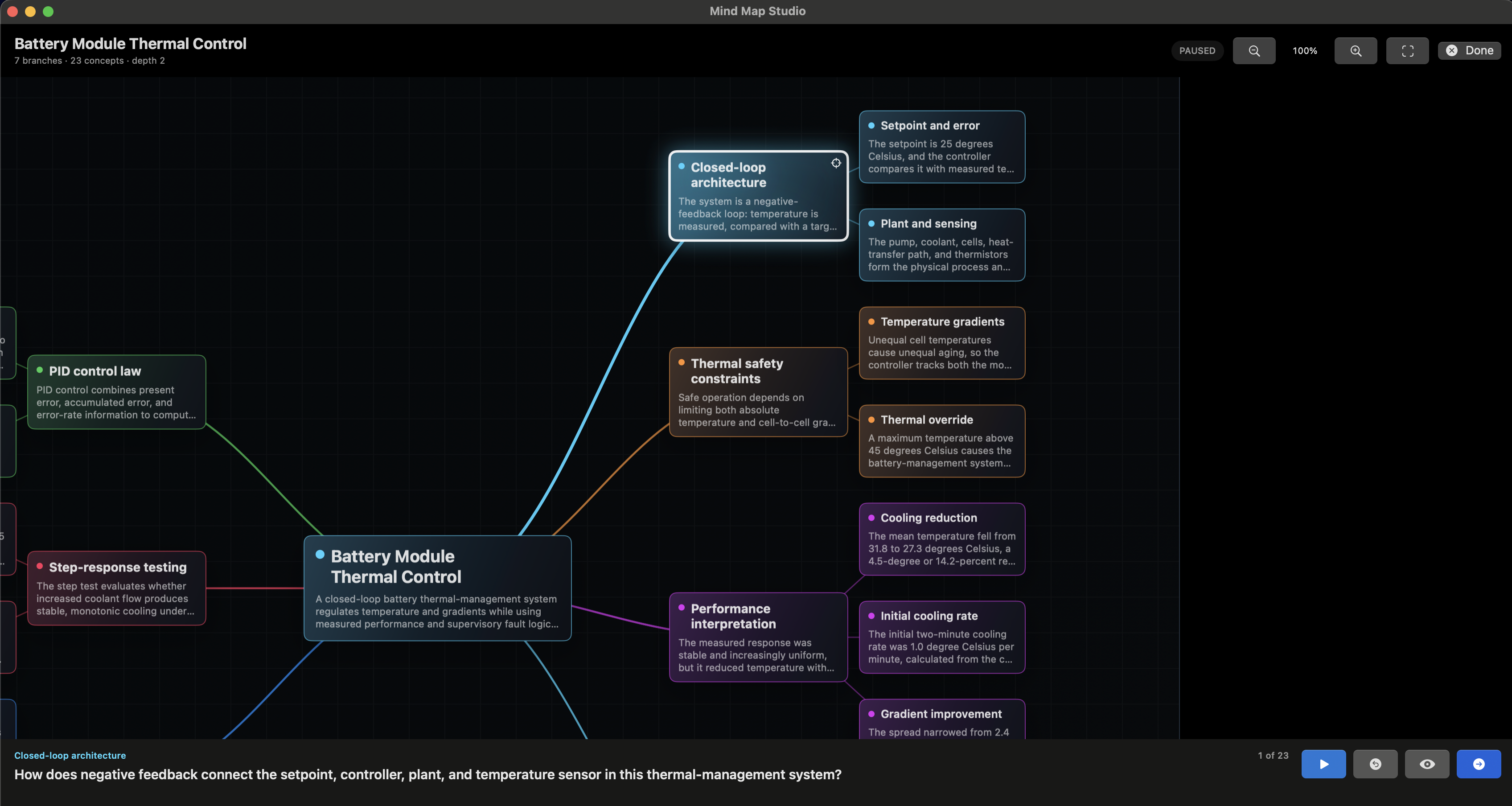
Generate a mind map to connect concepts from the document. Revisit individual nodes or use a read-along review to work through the relationships.
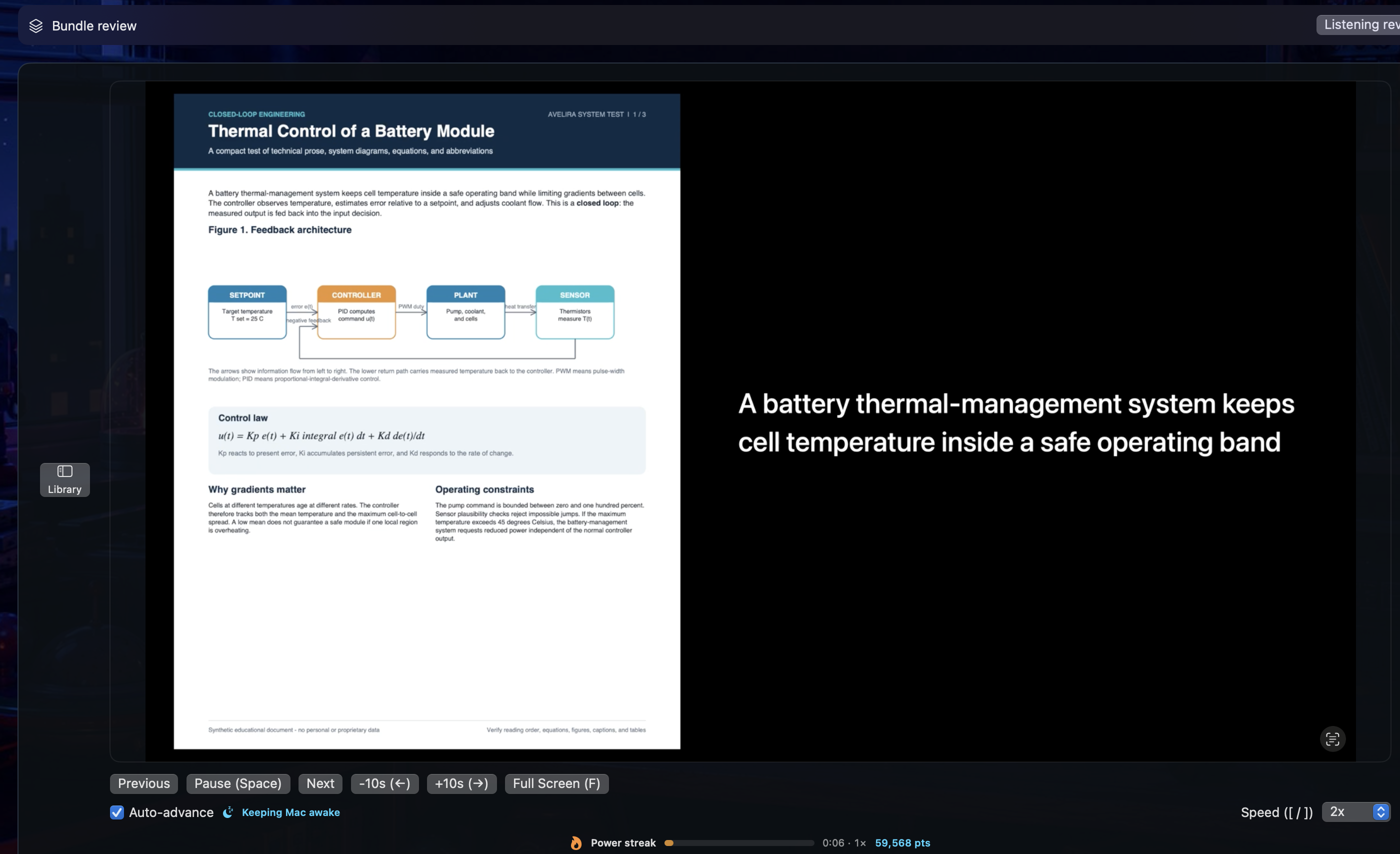
Keep figures, diagrams, and text in view alongside narration. Adjust the playback speed, repeat a passage, or listen while you take care of everyday tasks.
Avelira combines neural-network and language-model document processing with configurable reading tools. Adjust narration and output settings for dense text, visual material, or notes.
Avelira brings reading and recall into the same workflow. Audio Review presents spoken and visual questions from your connected decks. Bundle Mode links a document’s generated video, cards, and mind map into one study session.
Play the narrated review and follow the page when you need it. Adjust playback speed or repeat a passage.
Reveal answers and rate your recall, or configure automatic review. Optional Anki Bridge connects existing decks; scheduling stays with your spaced-repetition app.
Move into the companion mind map for a read-along review. Bundle controls let you switch between the available study components.
Use Writer on Mac to process PDFs and PowerPoint files, configure narration, and generate questions and mind maps. Organize and review the resulting material in the Mac workspace.
Pair the iPhone companion with your Mac and sync the finished material. Keep the iPhone app open while downloads finish.
Use downloaded material during a walk, exercise, or household tasks. Avelira is optimized for online use, offline use, and unstable internet access. Study with downloaded material when your connection drops, and reconnect when synchronization is needed.
Use material prepared on your Mac in the iPhone reader, question reviewer, and bundle view. Download material before going offline. Optional voice commands control playback.
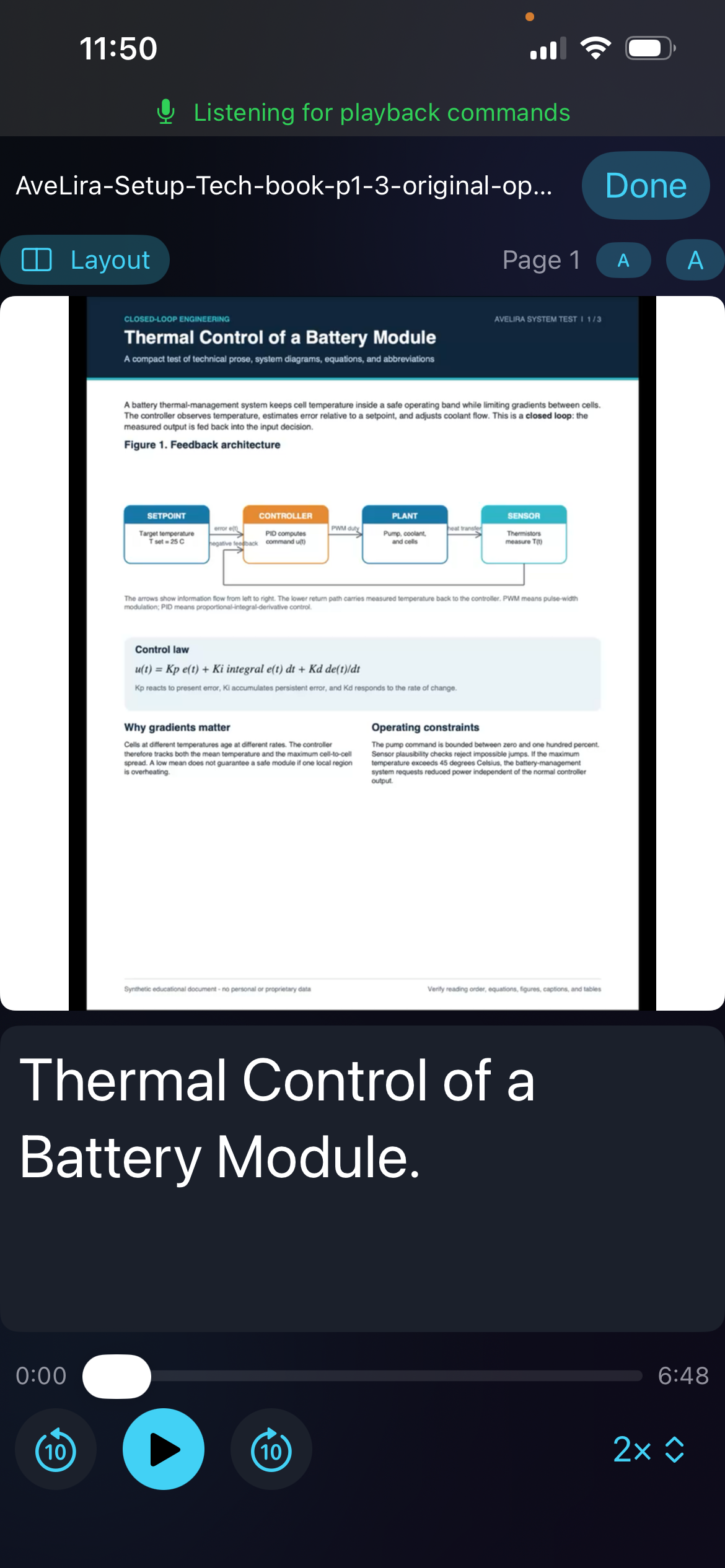
View source pages alongside narration, with playback speed and layout controls.
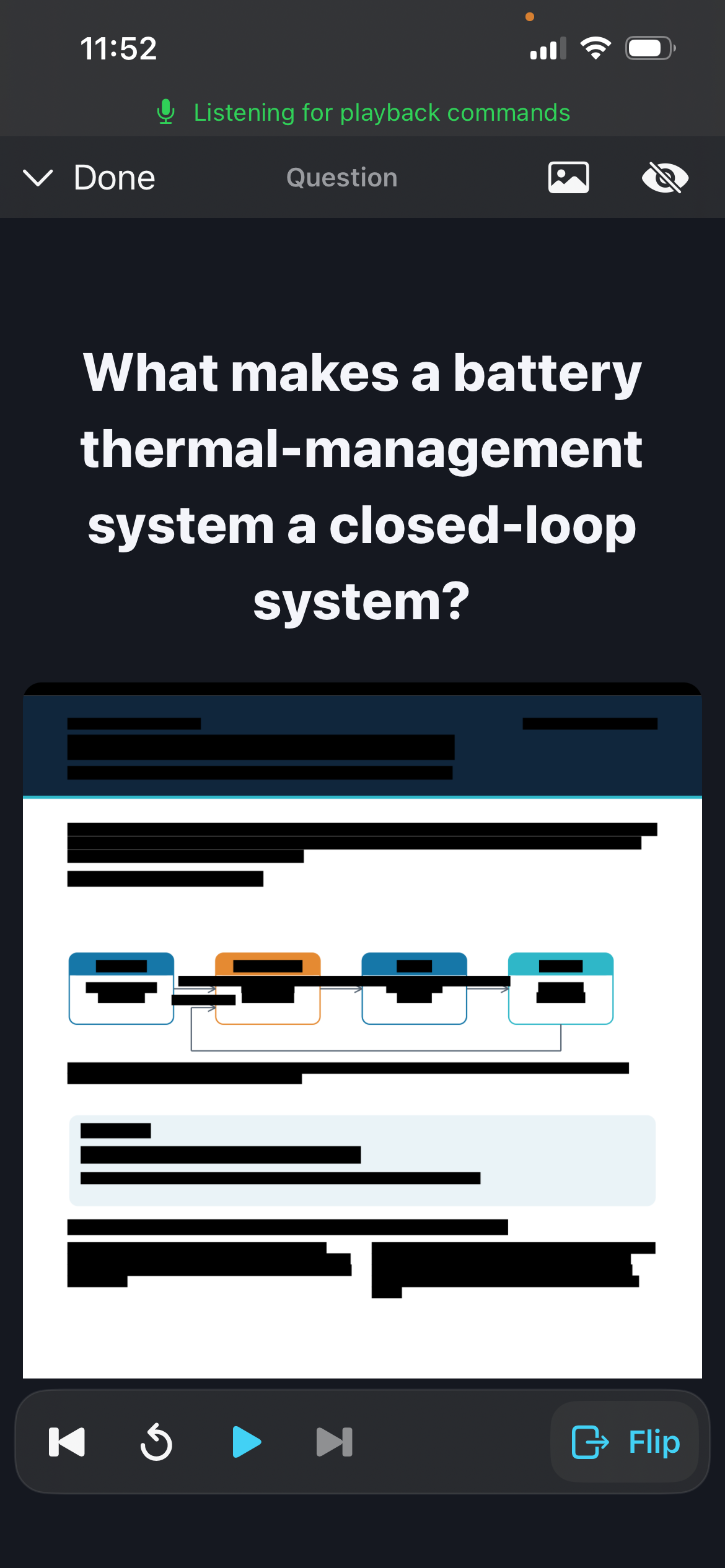
Review generated questions with source images and playback controls.
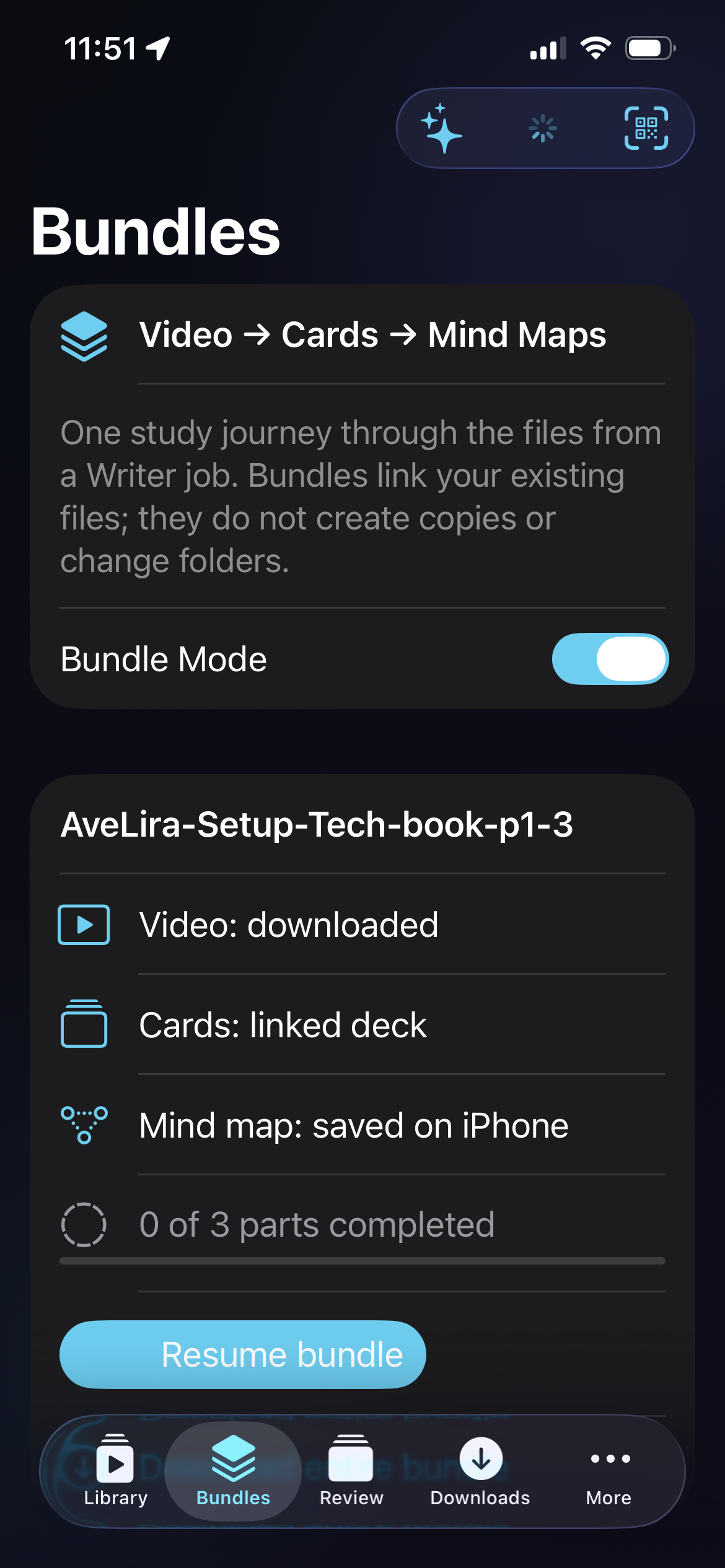
Access a document’s video, linked cards, and saved mind map from one bundle.
Create and edit notes inside Avelira, then send your finished notes through Writer to turn them into listening and review material.
Track study activity through points, streaks, and personal benchmarks. Optional game features use study activity as part of their progression.
Ask the AI assistant for help with app features and settings. Use it to find controls and adjust supported preferences for your next session.
View activity totals, completion, consistency, and study history. Compare focus points with personal benchmarks and use optional game features alongside reading and review.
See activity, completion, and consistency together.

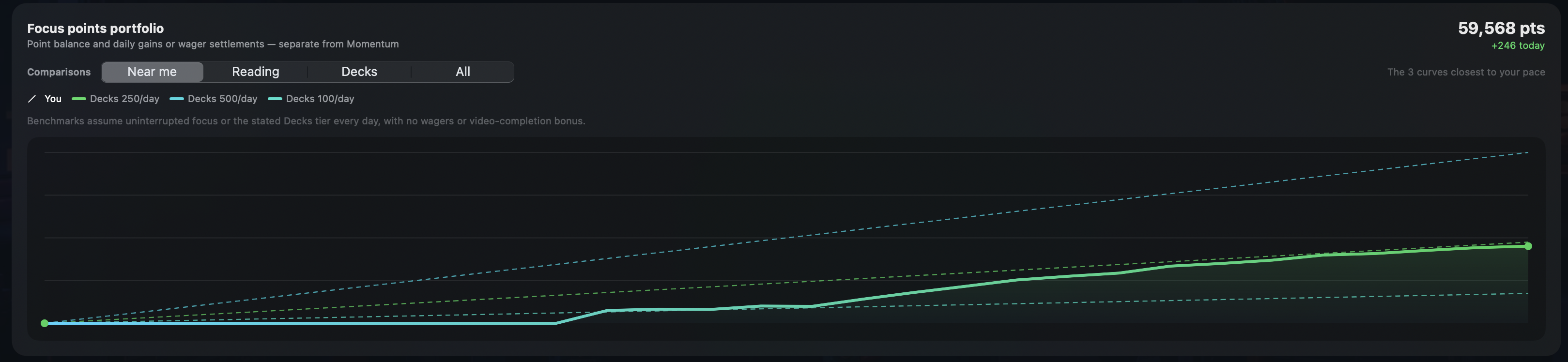
Compare your focus-point progress with study benchmarks.
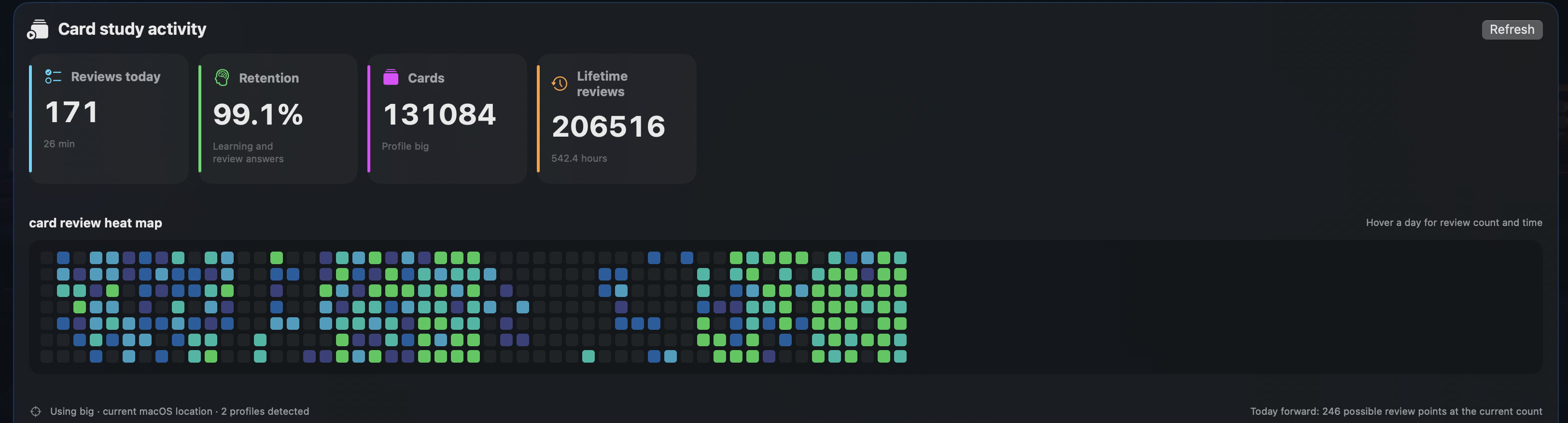
Review activity totals and a heat map of your study routine.
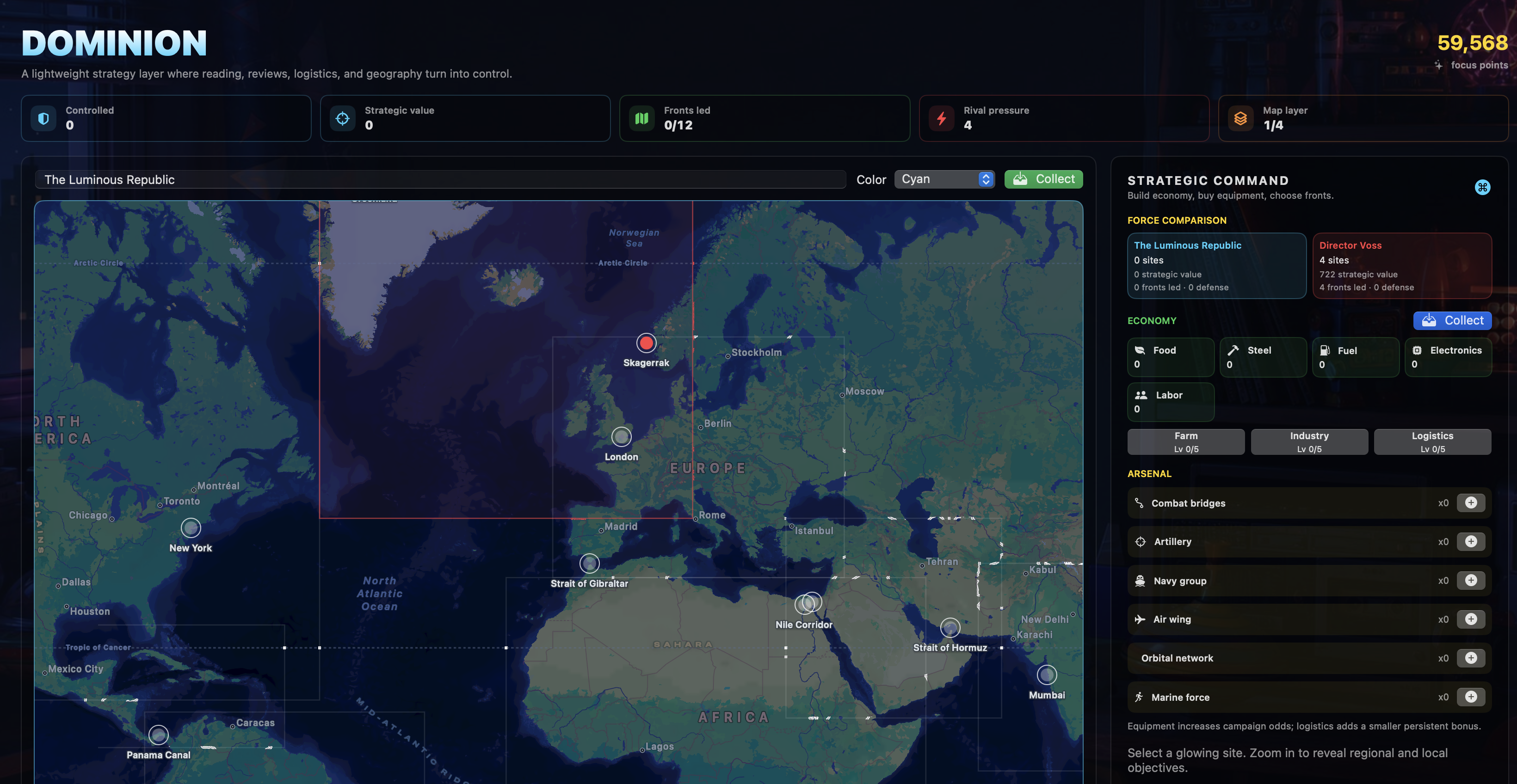
Dominion is a strategy-game layer that connects reading and review activity with focus points, resources, and map objectives.
Use local reading and playback where they fit. Add AI processing for the workflows that benefit from it, with control over the components you generate.
No. Certain AI-powered features require OpenAI access, an active OpenAI account, and your own API key. Local reading with native speech and playback of prepared material do not require OpenAI access. OpenAI API charges are separate and depend on your selected models and usage.
Writer lets you choose which outputs to generate and adjust processing settings. Local speech and playback provide options that do not require an AI call for every interaction. Actual API costs depend on the document, model, and features you select.
Yes, through the optional Anki Bridge integration. Audio Review connects to your existing collection, while your spaced-repetition app remains responsible for scheduling and review history.
The Mac is the main document-processing workspace. The iPhone companion pairs with it to access and download material. Avelira is optimized for online, offline, and intermittent connectivity. Downloaded study material supports offline workflows. AI services require internet access, and transfers or synchronization require a connection to your Mac.
Avelira is in development. Release availability and download details will be published here when ready.
PDF and PowerPoint reading, knowledge-retention questions, and mind maps. Document preparation on Mac, with complementary reading and review on iPhone.
Contact service@avelira.app ↗